
A complete walkthrough of creating a classroom-ready WebQuest with the AI WebQuest Generator, from entering your topic to publishing student and teacher views. Use it alongside the WebQuest Guides, then adapt the examples with the Generate a WebQuest.

What Do I Need Before I Start?
You only need a topic, grade level, subject, and duration. The generator uses those inputs to shape the task, research process, and question difficulty.
Optional inputs such as difficulty level and materials let you fine-tune the draft, but the generator can start with sensible defaults.
How Do I Generate My First WebQuest?
Open the WebQuest Generator, fill in your topic, choose a grade and subject, set the activity length, and click Generate WebQuest For Free.
The draft includes an introduction, student task, process, reviewed resources, worksheet, rubric, teacher guide, answer key, conclusion, sample response, and extension activity.
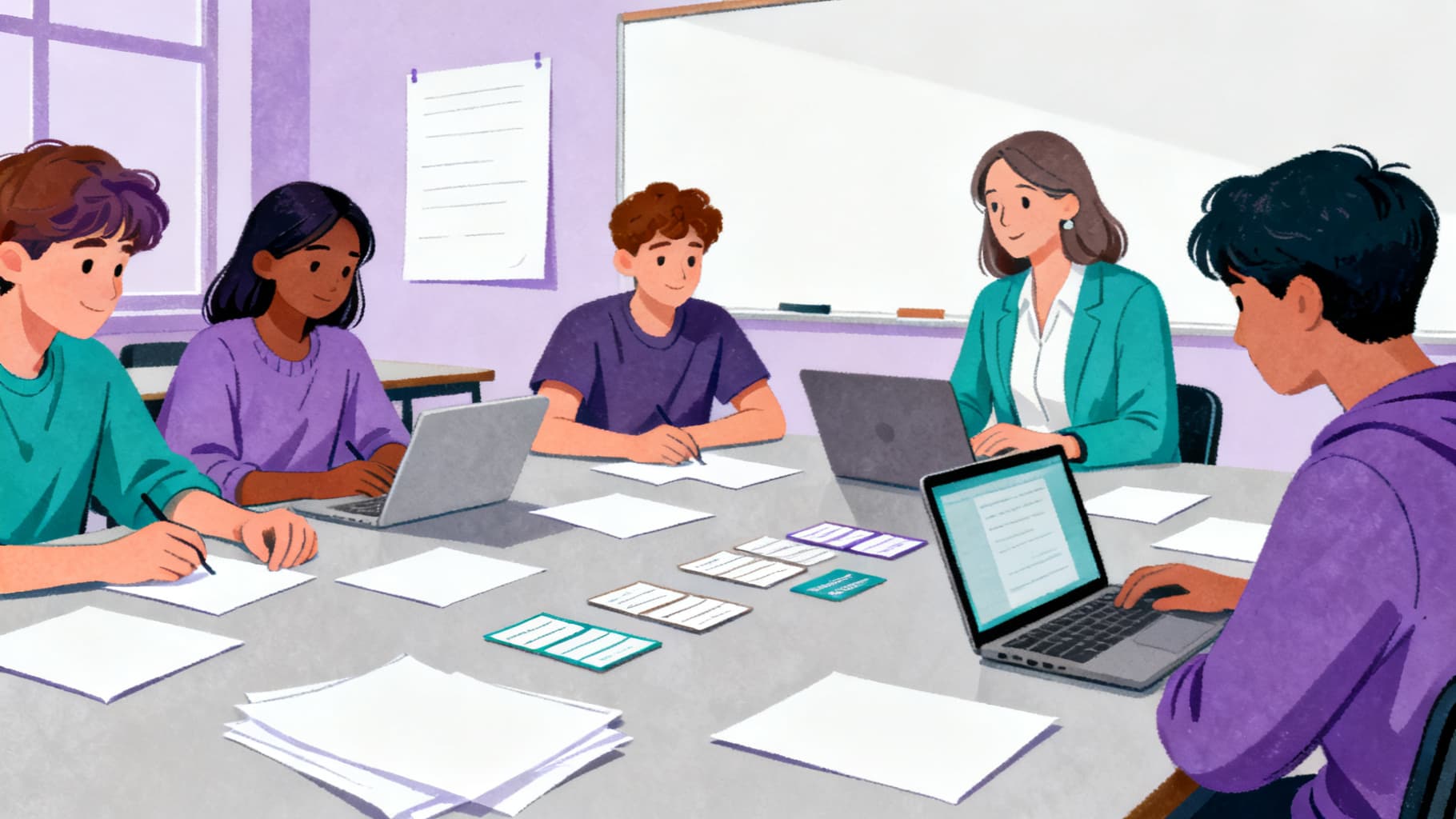
What Is the Difference Between Student View and Teacher View?
Student View contains the task, process, resources, worksheet, and questions learners need to complete the assignment.
Teacher View adds the rubric, answer key, teaching notes, and sample response, and it remains private to your account.
How Do I Edit and Refine My Draft?
Edit any section before sharing or exporting. You can adjust wording, swap a resource, or rewrite a question to fit your class.
If the whole draft misses the mark, regenerate up to 5 times per WebQuest and review every suggested resource before assigning it.
Can I Export My WebQuest?
PDF export is available on every plan, and DOCX export is available with a Pro plan or a one-time export pass.
Free exports are watermarked, while paid export options produce clean handouts.
Helpful Related Resources
Related guide
How Teachers Assign WebQuests to Students
A practical walkthrough of the teacher workflow in WebQuest Generator, from drafting a WebQuest to sharing it with students through a simple link.
Read guide →Related guide
How to Log Into WebQuest With Google Sign-In
A complete walkthrough of WebQuest Google sign-in, plus fixes for the most common login errors teachers run into.
Read guide →Related guide
WebQuest Worksheet: What to Include and How to Use It
Design a WebQuest worksheet that keeps students focused on questions, sources, notes, evidence, and final responses.
Read guide →Related guide
The 6 Essential Parts of a WebQuest
Understand the essential parts of a WebQuest and how each section supports student inquiry and classroom management.
Read guide →Sources and Further Reading
- WebQuest.org: Creating WebQuests: Original WebQuest community resource associated with Bernie Dodge.
- ERIC: Problem-Based Learning: What and How Do Students Learn?: Educational Psychology Review article record for Hmelo-Silver (2004).
- Cambridge Handbook of the Learning Sciences: Project-Based Learning: Krajcik and Shin chapter on project-based learning.
- Library of Congress: A Taxonomy for Learning, Teaching, and Assessing: Library of Congress record for Anderson and Krathwohl's revised Bloom taxonomy.
Ready to build your own?
Start with a structured WebQuest draft, then customize the resources, rubric, and student questions for your class.