
Use a practical WebQuest template to organize introduction, task, process, resources, evaluation, conclusion, and teacher notes. Use it alongside the WebQuest Guides, then adapt the examples with the Generate a WebQuest.
Why a Reusable Template Saves Planning Time
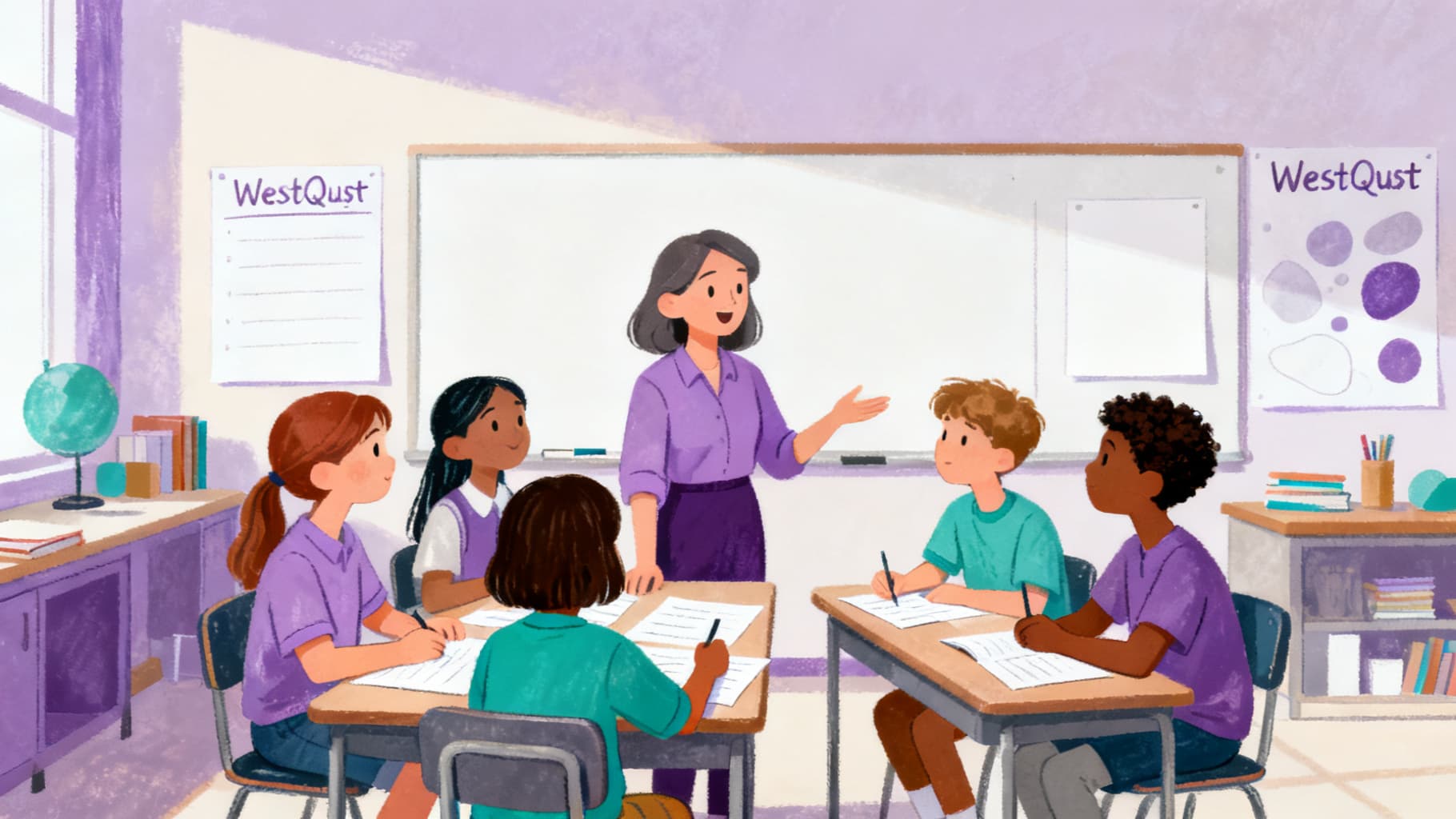
A WebQuest template gives you a consistent structure you can fill in for any subject or grade level. Instead of designing the format from scratch each time, you focus on the content: the question, the sources, and the task. Most teachers report cutting planning time by half once they have a reliable template.
Templates also help students. When the layout is familiar, students spend less cognitive energy figuring out what to do and more energy on the actual thinking the lesson requires.
Sections Every WebQuest Template Should Include
A complete template includes seven sections: Title and Subject, Introduction, Task, Process, Resources, Evaluation, and Conclusion. Some teachers add a Teacher Notes section for differentiation ideas, timing suggestions, and extension activities.
- Title, grade level, subject, and time estimate
- Introduction with a hook question or scenario
- Task description with the final product defined
- Process steps numbered and scaffolded
- Resources with working links and brief annotations
- Evaluation rubric aligned to the task
- Conclusion with reflection prompts
Adapting the Template for Different Grade Levels
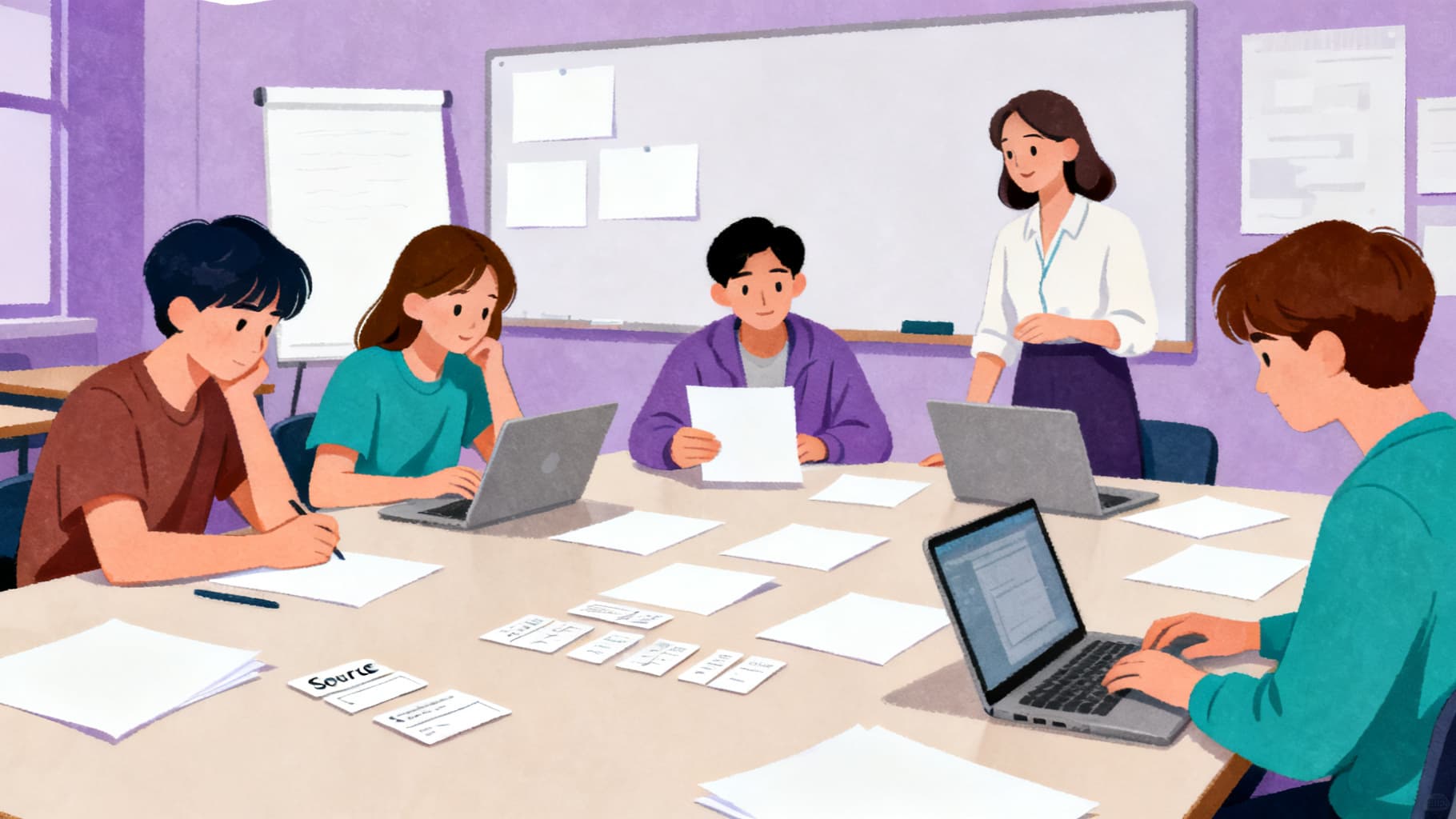
For elementary students, reduce the number of resources to three, simplify process steps, and include sentence starters or graphic organizers. For middle school, add a source comparison step and require students to address a counterargument. For high school, expect independent source evaluation and formal argumentation.
The template structure stays the same across grades. What changes is the complexity of the question, the reading level of resources, and the sophistication expected in the final product.
Digital vs. Print Template Formats
Digital templates in Google Docs or Slides let students click resource links directly and collaborate in real time. Print templates work better when computer access is limited or when you want students to annotate by hand. Many teachers use a hybrid: digital resources with a printed note-catcher.
Whichever format you choose, make sure the template is visually clean. Use consistent headings, numbered steps, and enough white space for student responses.
Helpful Related Resources
Related guide
How to Create a WebQuest Step by Step
Plan a complete WebQuest from topic and task design to resources, process steps, assessment, and classroom reflection.
Read guide →Related guide
WebQuest Generator vs WebQuest Template: Which Should Teachers Use?
Compare a WebQuest generator with a WebQuest template and decide which workflow fits your planning time and classroom goals.
Read guide →Related guide
Math WebQuest Ideas for Problem Solving and Real-World Data
Create math WebQuest activities where students use data, models, budgets, maps, patterns, and real-world constraints to solve problems.
Read guide →Related guide
What Is a WebQuest? A Simple Guide for Teachers
A clear teacher-friendly explanation of what a WebQuest is, how it works, and why it supports research, collaboration, and critical thinking.
Read guide →Sources and Further Reading
- WebQuest.org: Creating WebQuests: Original WebQuest community resource associated with Bernie Dodge.
- ERIC: Problem-Based Learning: What and How Do Students Learn?: Educational Psychology Review article record for Hmelo-Silver (2004).
- Cambridge Handbook of the Learning Sciences: Project-Based Learning: Krajcik and Shin chapter on project-based learning.
- Library of Congress: A Taxonomy for Learning, Teaching, and Assessing: Library of Congress record for Anderson and Krathwohl's revised Bloom taxonomy.
Ready to build your own?
Start with a structured WebQuest draft, then customize the resources, rubric, and student questions for your class.