
Plan a digital citizenship WebQuest about privacy, credibility, online conduct, cyberbullying, and responsible participation. Use it alongside the WebQuest Guides, then adapt the examples with the Generate a WebQuest.
Why Digital Citizenship Requires Active Investigation
Telling students to "be safe online" is not enough. A digital citizenship WebQuest asks students to investigate real scenarios, evaluate real policies, and develop their own informed guidelines for responsible online behavior. This active approach builds understanding that lectures cannot achieve.
Students already live digital lives. A WebQuest meets them where they are by examining the platforms, situations, and decisions they actually encounter rather than abstract hypotheticals.
Digital Citizenship Topics for Middle School
Choose topics that connect to students' daily online experiences.
- Privacy: What data do your favorite apps collect, and what do they do with it? Read actual privacy policies.
- Cyberbullying: How do different platforms handle reports? Compare policies and evaluate effectiveness.
- Digital footprint: What can a college admissions officer find about you online? Investigate and assess risks.
- Misinformation: How do false claims spread on social media? Trace a viral hoax from origin to debunking.
- Screen time: What does research actually say about screen time and mental health? Evaluate competing claims.
Teaching Students to Read Terms of Service
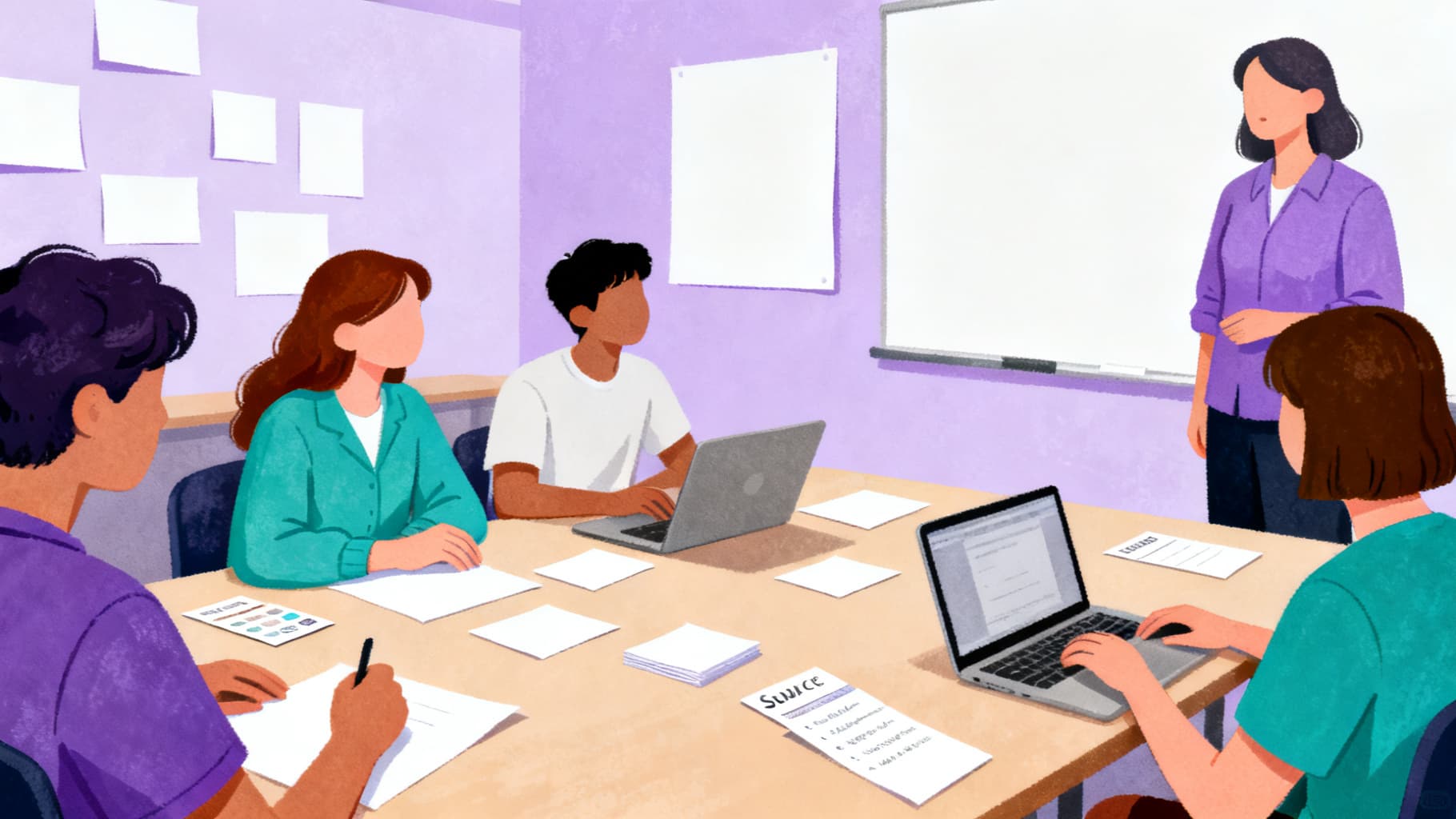
Include a section where students read excerpts from actual terms of service or privacy policies. Most students (and adults) agree to these without reading them. A WebQuest can make this invisible infrastructure visible by asking students to identify what rights they are granting and what data they are sharing.
Use tools like TOS;DR (Terms of Service; Didn't Read) to help students access simplified summaries, then compare those summaries to the original legal language.
Creating Student-Generated Digital Citizenship Guidelines
End your WebQuest by asking students to create their own digital citizenship guidelines based on their research. When students write the rules themselves — grounded in evidence about real consequences — they are more likely to follow them than rules imposed by adults. Display these guidelines in the classroom or school website.
Helpful Related Resources
Related guide
AI Literacy WebQuest: Teaching Students About Artificial Intelligence
Use an AI literacy WebQuest to help students ask informed questions about AI tools, bias, privacy, and responsible use.
Read guide →Related guide
Climate Change WebQuest for Middle School
Plan a climate change WebQuest where students evaluate evidence, compare impacts, and propose informed solutions.
Read guide →Related guide
ELA WebQuest Ideas for Reading and Writing Lessons
Use ELA WebQuest activities to support close reading, research writing, author study, media analysis, and discussion.
Read guide →Related guide
Media Literacy WebQuest: Helping Students Evaluate Online Information
Teach source evaluation with a media literacy WebQuest that asks students to check evidence, bias, authorship, and context.
Read guide →Sources and Further Reading
- WebQuest.org: Creating WebQuests: Original WebQuest community resource associated with Bernie Dodge.
- ERIC: Problem-Based Learning: What and How Do Students Learn?: Educational Psychology Review article record for Hmelo-Silver (2004).
- Cambridge Handbook of the Learning Sciences: Project-Based Learning: Krajcik and Shin chapter on project-based learning.
- Library of Congress: A Taxonomy for Learning, Teaching, and Assessing: Library of Congress record for Anderson and Krathwohl's revised Bloom taxonomy.
Ready to build your own?
Start with a structured WebQuest draft, then customize the resources, rubric, and student questions for your class.