
Build a WebQuest rubric that evaluates research quality, evidence use, collaboration, presentation, and reflection. Use it alongside the WebQuest Guides, then adapt the examples with the Generate a WebQuest.
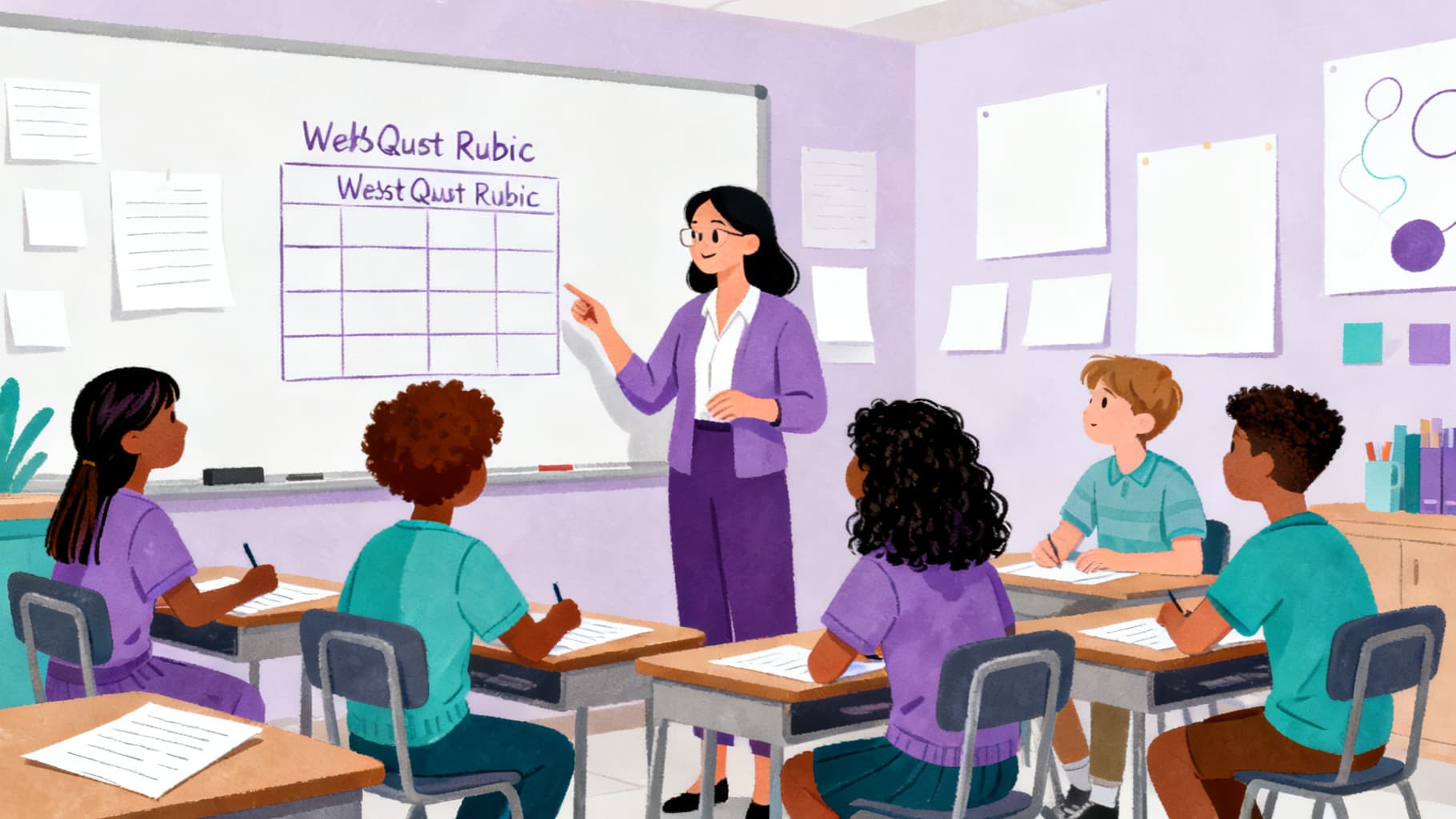
Why a Rubric Is Essential for WebQuest Assessment
Without a rubric, WebQuest grading becomes subjective and inconsistent. A rubric defines what quality looks like at each performance level, making expectations transparent for students and grading efficient for teachers. It also shifts student attention from "getting done" to "doing well."
Share the rubric when you introduce the WebQuest, not after students submit. When students see the criteria upfront, they make better decisions about how to spend their research time.
Key Criteria for a WebQuest Rubric
Most WebQuest rubrics evaluate four to six dimensions. The specific criteria depend on your task, but common categories include research quality, evidence use, critical thinking, collaboration, presentation, and reflection.
- Research quality: Did the student use multiple sources and identify relevant information?
- Evidence use: Are claims supported with specific details, quotes, or data?
- Critical thinking: Does the student compare, evaluate, or synthesize rather than just summarize?
- Communication: Is the final product organized, clear, and appropriate for the audience?
- Collaboration: Did the student contribute meaningfully to group work?

Choosing Between Holistic and Analytic Rubrics
A holistic rubric gives one overall score based on general quality. It is faster to use but provides less specific feedback. An analytic rubric scores each criterion separately, giving students detailed information about their strengths and areas for growth.
For most WebQuests, an analytic rubric with three to four performance levels works best. It balances grading speed with useful feedback and helps students understand exactly where to improve.
Writing Performance Level Descriptions
Describe what student work looks like at each level using observable behaviors. Instead of "excellent research," write "uses evidence from at least three different sources and explains how each source connects to the central question." Specific language reduces grading disagreements and helps students self-assess.
Avoid negative language at lower levels. Instead of "fails to use evidence," write "includes one source but does not explain its connection to the question." This frames growth as additive rather than punitive.
Helpful Related Resources
Related guide
WebQuest Worksheet: What to Include and How to Use It
Design a WebQuest worksheet that keeps students focused on questions, sources, notes, evidence, and final responses.
Read guide →Related guide
What Is a WebQuest? A Simple Guide for Teachers
A clear teacher-friendly explanation of what a WebQuest is, how it works, and why it supports research, collaboration, and critical thinking.
Read guide →Related guide
Media Literacy WebQuest: Helping Students Evaluate Online Information
Teach source evaluation with a media literacy WebQuest that asks students to check evidence, bias, authorship, and context.
Read guide →Related guide
The 6 Essential Parts of a WebQuest
Understand the essential parts of a WebQuest and how each section supports student inquiry and classroom management.
Read guide →Sources and Further Reading
- WebQuest.org: Creating WebQuests: Original WebQuest community resource associated with Bernie Dodge.
- ERIC: Problem-Based Learning: What and How Do Students Learn?: Educational Psychology Review article record for Hmelo-Silver (2004).
- Cambridge Handbook of the Learning Sciences: Project-Based Learning: Krajcik and Shin chapter on project-based learning.
- Library of Congress: A Taxonomy for Learning, Teaching, and Assessing: Library of Congress record for Anderson and Krathwohl's revised Bloom taxonomy.
Ready to build your own?
Start with a structured WebQuest draft, then customize the resources, rubric, and student questions for your class.